
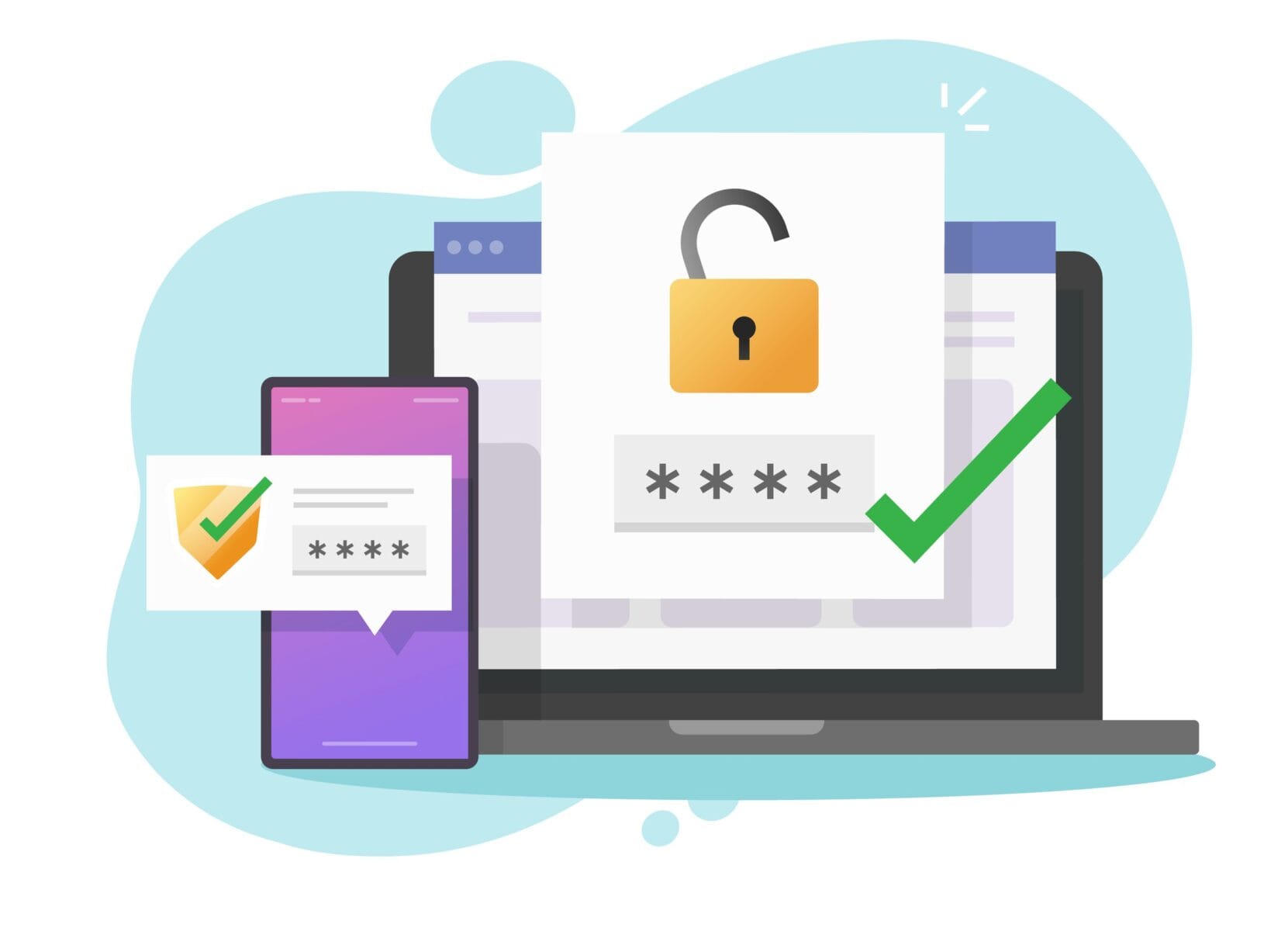
How single sign-on simplifies employee logins while keeping business accounts secure.
Too Many Passwords To Manage
Password creation and management can be a bothersome process, with different websites imposing different password parameters and the like. Multiply that by all the online services you use and it all starts to look overwhelming. Fortunately, a simple tool called single sign-on can make all of that much easier.
What Is Single Sign-on (sso)?
Single sign-on allows you to use one username and one password to provide secure access to multiple websites. If you’ve ever clicked “Continue with Google” on a non-Google website, you’ve already enjoyed the benefits of SSO. It’s faster, simpler, and more secure. With SSO, small businesses can accomplish the same level of efficiency between their employees and cloud platforms.
Instead of requiring in-office and remote workers to track separate accounts forOffice 365, Slack, Trello, and other cloud apps your company uses, you can give them a single set of credentials and manage what they have access to remotely. All employees have to do is come enter their designated username and password, and they’re all set for the day.
Why Is Sso More Secure?
There are a number of ways to set up a small-business SSO solution, but most of them focus on removing login information from your servers. Usually, you’ll provide your employees’ logins to an SSO provider (sometimes referred to as an Identity-as-a-Service provider) and each employee will receive a single login paired with a secondary authentication — like a biometric scan like iOS’s FaceID, or a one-time PIN (OTP) code sent to a personal device.
Every time one of your employees visits a cloud platform, such as Office 365 or Google Workspace, the SSO provider will verify the user’s identity and theconnection’s security. Ifanything goes wrong, your IT provider will be notified.
Should your network or any of the devices connected to it gets compromised,hackerswould find nothing but logins to your SSO accounts, which are meaningless without fingerprints or mobile devices.
How To Get Started With Sso
The first step is making sure you have a healthy and responsive IT support system. You need a team that’s constantly available to review suspicious alerts and troubleshoot employee issues. If you don’t currently have that capacity, contact us today and we’ll help you out!
Source: TechAdvisory.org
Schedule a no-pressure consultation with our team.
Similar Articles
View all


Step into a safer, Stronger Business.
When you’re ready to move beyond “good enough,” we’re here to help. Reach out to schedule a no-pressure consultation and find out whether we’re a fit.