
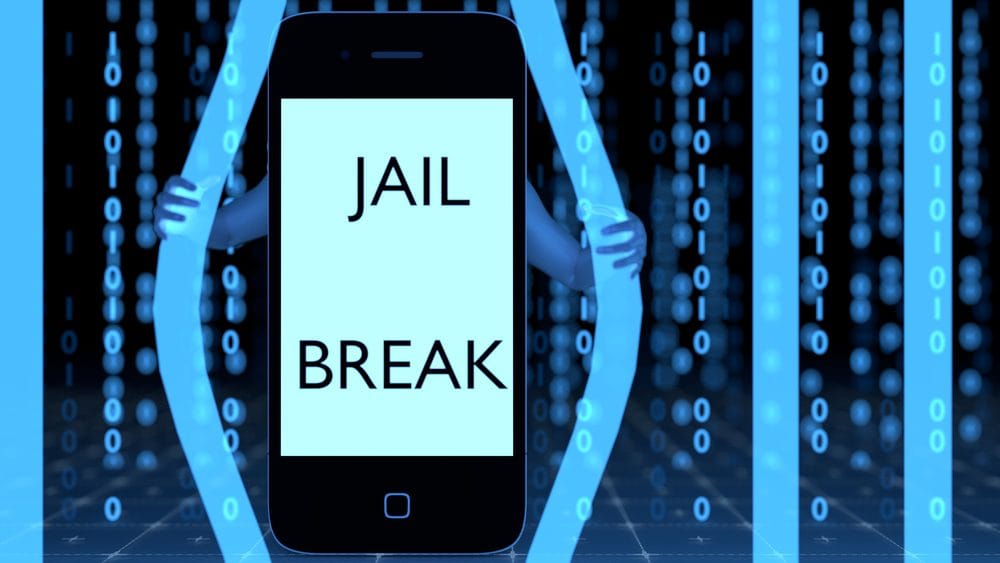
The warranty, battery, and security risks that come with jailbreaking your iPad.
Why Some Users Consider Jailbreaking
Many iPad users are usually happy with their device, but there are a few who want to install apps that are not on the App Store and even change the performance of their device outside of whatAppleallows. The only way to do this is through jailbreaking. This article will discuss what jailbreaking is and its potential consequences.
What Is Jailbreaking?
Jailbreaking, or rooting, is the process of removing manufacturer and/or carrier restrictions from a device. It uses a privilege escalation attack to replace the factory-installed operating system with a custom kernel. This allows users to install third-party software andchange system settingsthat would be impossible to do in an iPad’s default state.
Consequences Of Jailbreaking Your Ipad
While jailbreaking gives you greater control over your iPad, it comes with certain risks, including:
1. Warranty Problems
Apple considers jailbreaking a breach of contract. So, the moment you jailbreak your iPad, its warranty becomes invalid and Apple will no longer provide any support for any hardware or software issues.
2. Decreased Battery Life
Jailbreaking an iPad can lead to faster battery drainage. This is because most of the apps created by the jailbreaking community are not optimized properly and tend to use more power than Apple-approved software.
3. Increased Security Risk
iPad runs apps in a closed environment or sandbox. This prevents official and licensed apps from affecting the rest of the system. When you jailbreak your iPad, these sandboxes are removed, allowing unauthorized apps to make unrestricted changes to your iPad’s system and gain access to your private files.
Jailbreaking also opens up your iPad to attacks. Without Apple’s built-in security framework, your iPad becomes more susceptible to malware and otherforms of cyberattack.
4. Update Issues
Once you jailbreak your iPad, you’re stuck with its current iOS version. This means that automatic updates for the operating system, official apps, and security features will no longer be available. You’ll be forced to rely on the updates developed by the jailbreaking community and other independent developers.
5. Device Instability
Because apps for jailbroken devices aren’t properly tested and optimized, jailbreaking your iPad will make it more prone to crashing. This can also cause built-in and third-party apps to freeze and, in some cases, brick your iPad. A bricked iPad can no longer boot or respond to any sort of input.
How To Check If Your Ipad Is Jailbroken
If you purchased a secondhand iPad and want to know if it’s jailbroken, here’s how you can check.
- Press the iPad’s Home button to go to the main screen. This will bring up the keyboard.
- Type “Cydia,” and if it appears on the search results, it means the iPad is jailbroken.
Jailbreaking your iPad may seem like a good idea, but jailbroken devices experience frequent performance issues and are easy targets for cybercriminals.
Make sure you think it all through, especially if it’s a business iPad. In case of any doubt, don’t hesitate tocontact Wolf Consultingforcybersecurityadvice.
Published with permission from TechAdvisory.org.Source.
Schedule a no-pressure consultation with our team.
Similar Articles
View all

Step into a safer, Stronger Business.
When you’re ready to move beyond “good enough,” we’re here to help. Reach out to schedule a no-pressure consultation and find out whether we’re a fit.