
Turn Copilot on before you fix who can open what, and it can show payroll and HR files to any employee who asks. Here is the six-week plan to fix that first.
What Happens If You Turn On Copilot Before You Are Ready?
If your files are shared too widely, Copilot can hand payroll and HR documents to any employee who asks the right question. Microsoft 365 Copilot readiness means fixing that first, and for a firm with a few dozen SharePoint sites it is about six weeks of work.
Copilot does not break any locks. In Microsoft's words, it "only surfaces organizational data to which individual users have at least view permissions." The danger is how much your people can already open without knowing it. Picture a folder of signed offer letters that was shared with the whole company years ago and then forgotten. One Copilot question about salaries can bring it to the top of an answer.
The good news is that the fix is ordinary housekeeping, done in order. It is step 3 of our four steps to becoming an AI-powered business, worked out in full.
Why Are So Many Files Open Too Widely?
Because file sharing grew one shortcut at a time, and nobody went back to check. Varonis, a data security company, assessed 1,000 organizations for its 2025 State of Data Security Report. At 90% of them, every employee could reach sensitive files with Copilot.
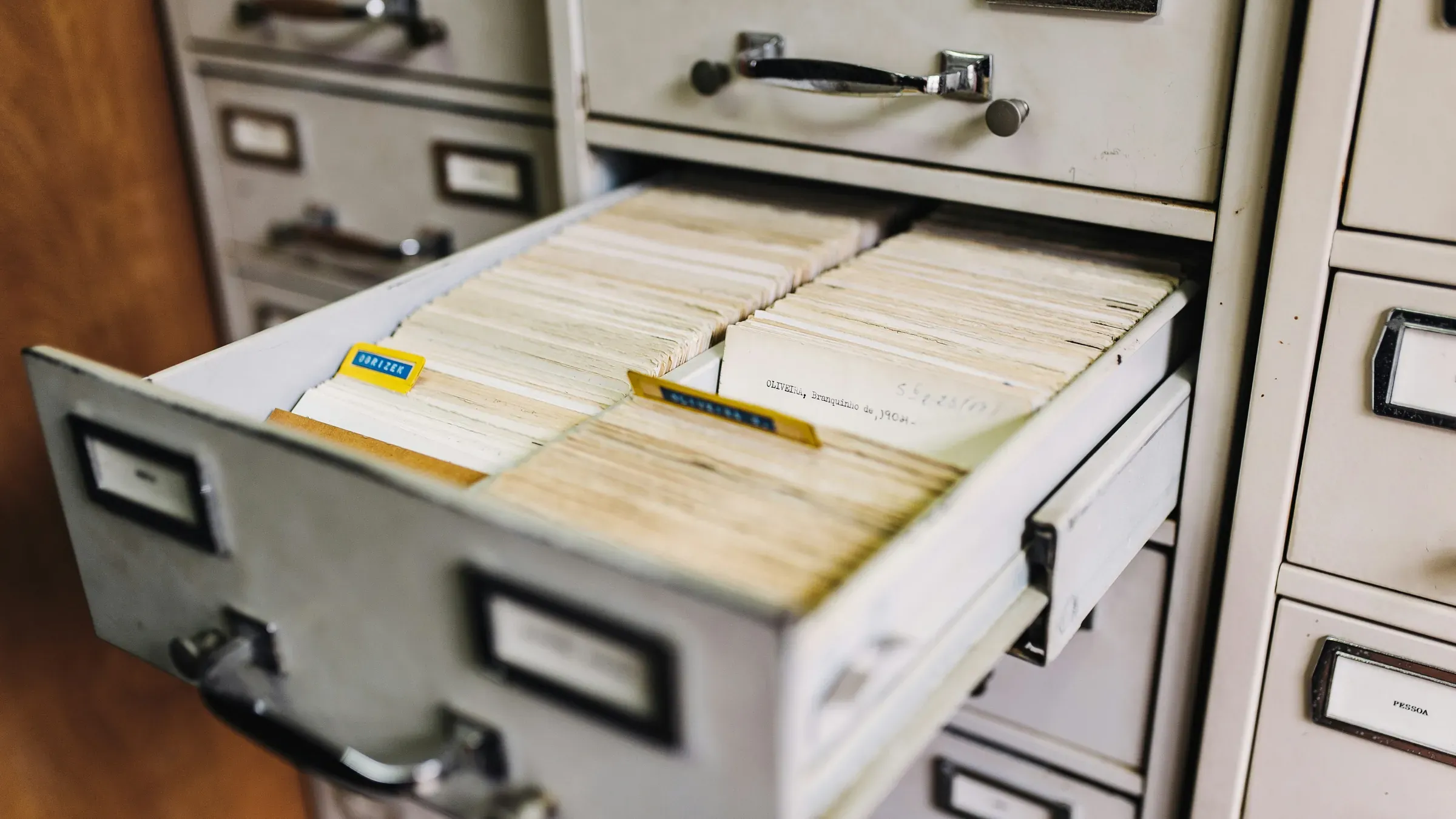
SharePoint sprawl is how it happens. David Spink, one of our virtual CTOs, plans client sites from scratch, and he compares a new SharePoint to an empty filing cabinet.
"...if you go out and buy an empty file cabinet, what's the best way to put your files in there? It can get messy really fast."
David Spink, vCTO and Technical Services Manager at Wolf Consulting
Watch for three habits. To save time, someone shares a SharePoint site with a group that includes every employee. A team in Microsoft Teams is left public, so anyone in the company can join. And company-wide sharing links get forwarded, so each person who opens one gets in.
How Do You Find Out What Copilot Would See?
One Copilot license for your IT admin unlocks Microsoft's reports on who can open what. In the first week, you get a list of every site open to the whole company and your ten riskiest sites.
Microsoft's own deployment guidance puts fixing oversharing first, and that first license turns on the SharePoint tools behind the reports. Your admin or Wolf handles the work. First, staff are blocked from buying their own Copilot seats until you say so. Then you get two things back.
- You see who can open what across SharePoint and OneDrive.
- You get the list of sites open to everyone. Your admin or Wolf then picks the ten worst that hold payroll, HR, health, legal or client records.
How Do You Fix Oversharing Before Rollout?
Most of the fix costs nothing but staff time. Start by making new sharing links go to named people by default and letting old company-wide links expire. Then hide your worst sites from Copilot while you repair them.
A Microsoft setting can keep a SharePoint site out of most Copilot answers while you work, without changing who can open it. Then do the lasting work, worst site first.
- Take the company-wide group off sites that hold private records.
- Make teams that hold private records private, and remove anyone who does not need the files.
- Ask each site owner to confirm who still belongs.
- Switch off links that let anyone with the link open a file, even someone outside your company, or make them expire.
- Move dead project sites into Microsoft's archive storage, so the files are kept but taken out of everyday use.
Work through it in order. Keith Jackman, who runs projects at Wolf, describes how we roll out a new tool to clients.
"We come up with checklists, processes and plans, and put them in place in order for the rollout to occur."
Keith Jackman, Director of Projects and Technologies at Wolf Consulting
Our Microsoft 365 services team does this SharePoint cleanup for clients, so your own staff do not have to learn it.
How Do You Protect Your Most Private Files?
Put a sensitivity label on them. A label marks a file as private. Some labels also lock the file, so only the people named in the label can open it. Microsoft's guidance says Copilot then shows that file only to those people.
Start with your payroll, HR and legal files. Wolf can set up the labels, and your department heads apply them to their own files. Delete HR files you no longer have to keep, because a file that is gone can never turn up in an answer.
Our cybersecurity services and seven Microsoft 365 security strategies cover the rest of your setup.
How Long Does the Copilot Readiness Checklist Take?
Plan on about six weeks of cleanup, which is our estimate for a firm with a few dozen SharePoint sites. Treat the table below as your readiness checklist, and get the full Copilot Readiness Checklist for the step-by-step version. Wolf can do most of it with your site owners. To start, the only new license you need is one Copilot seat for your admin, at $18 a month in its first year.
Week | What gets done | Who does it |
|---|---|---|
0 | Staff seat buying blocked, one admin license assigned | Your IT admin or Wolf |
0 to 1 | Multifactor sign-in confirmed for everyone, staff briefed on safe AI use | Wolf |
1 | Reports run, ten riskiest sites listed | Your IT admin or Wolf |
1 to 2 | Worst sites hidden from Copilot | Your IT admin or Wolf |
2 to 5 | Wide-open access removed, old links expired, dead sites archived | Wolf with your site owners |
3 to 6 | Labels applied to payroll, HR and legal files | Wolf with your department heads |
6 onward | One team piloting Copilot, reports rerun monthly | Your pilot lead |
Once the first report shows how many sites need work, ask us for a quote on the cleanup.
What Do Owners Ask Before Turning On Copilot?
Owners ask the same few questions before they switch Copilot on, and none of the answers should stop you.
Does Microsoft 365 Copilot train on our files?
No, your files are not used to train it. Microsoft's Copilot privacy page says your prompts, Copilot's answers and the work data it reaches are not used to train its foundation models.
Which Microsoft 365 plan do we need?
Keep your current plan to start. Copilot works with Business Basic, Standard or Premium, and Microsoft's Copilot readiness report shows which of your people are eligible. The cleanup itself (tightening access, deleting old files, hiding risky sites) needs no upgrade. Business Premium adds the labels that lock payroll and HR files. Business Premium costs $22 per user a month. If you also want Copilot, Microsoft sells the two together for $32 per user a month.
What does Copilot cost?
As of October 2026, Copilot Business costs $18 per user per month in your first year if you sign up for a yearly plan by December 31, 2026. From the second year on, it is $21. A breach costs far more, and IBM's 2026 research puts the worldwide average at a record USD 4.99 million.
Can one team use Copilot while we clean up?
Yes, and Microsoft's setup guide recommends a pilot with a small group of users. Hide the sites you have not fixed yet, and pick a team whose own sites are already clean.
Which Microsoft tools does Copilot readiness use?
Three Microsoft tools do most of the work. The first is SharePoint Advanced Management, which comes with your first Copilot license and shows every site open to everyone. The second is Restricted Content Discovery, which keeps a site out of Copilot's answers while you fix it. The third is Microsoft Purview labels, included in Business Premium. Sensitivity labels lock private files, and retention labels delete old ones on a schedule. Your admin will also run two reports. One shows who can open what, and the other lists the sites and files shared with everyone. A separate setting blocks staff from buying their own seats.
What is a Copilot readiness assessment?
It is a check of what Copilot would be able to see before you switch it on. Ours is the AI Readiness & Security Assessment, which looks at your infrastructure, permissions and data hygiene. You come away knowing what Copilot could reach today, and our Copilot rollout planning adds a permissions review, licensing guidance and a phased plan.
Where Should You Start With Copilot Readiness This Week?
Ask your IT admin, or us, for the permissions report on your ten riskiest sites. That one list tells you how big the job is.
Get the free Copilot Readiness Checklist to work through it yourself, or let Wolf take it from there. Book the AI Readiness & Security Assessment through our AI advisory services team. We will check what Copilot would see before any AI touches your data. Talk to our team or call 412-444-7768.
We work with businesses across Pennsylvania, Ohio and West Virginia from our Monroeville office, just east of Pittsburgh. Our work runs from strategic IT consulting to day-to-day Microsoft 365 support.
Schedule a no-pressure consultation with our team.
Similar Articles
View all


Step into a safer, Stronger Business.
When you’re ready to move beyond “good enough,” we’re here to help. Reach out to schedule a no-pressure consultation and find out whether we’re a fit.